Configuring Groups
To display the wagtail-localize panel, users have to subscribe to a root lang page and allow permissions.
The first things to do is to create a group for that.
Example with a french translation:
Create a new group
In the wagtail Settings / Groups menu, add a new group using the button Add a group.
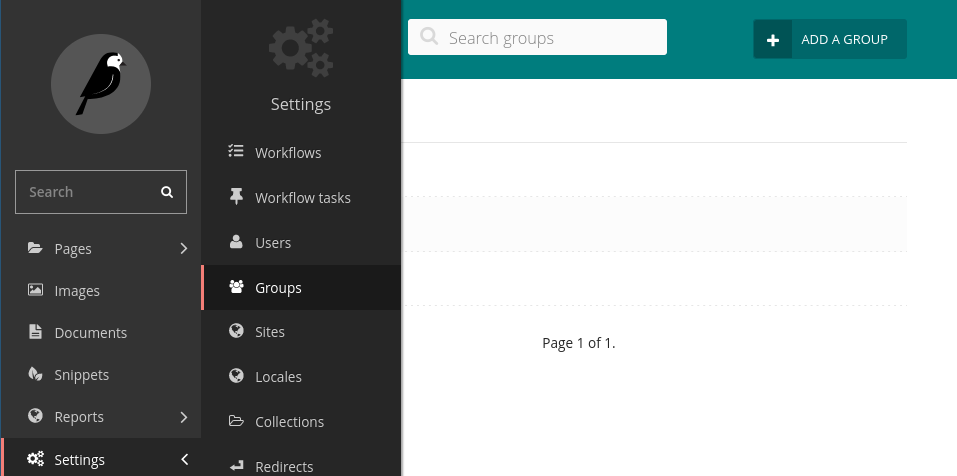
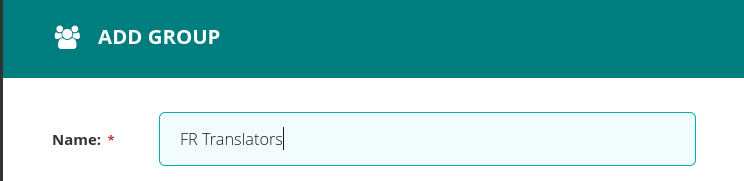
Then, set the name of the group.
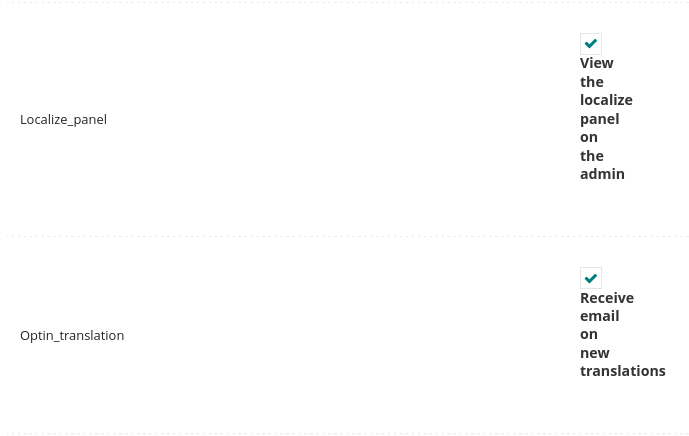
Then, check the boxes View the localize panel on the admin and Receive email on new translations.
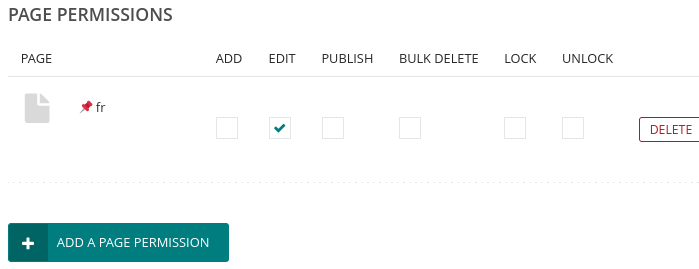
Then, choose the root page of the language, and check the “edit” permissions.
Then, add save the group using the button on the bottom of the page.
To finalize your group, users must be added in the group.
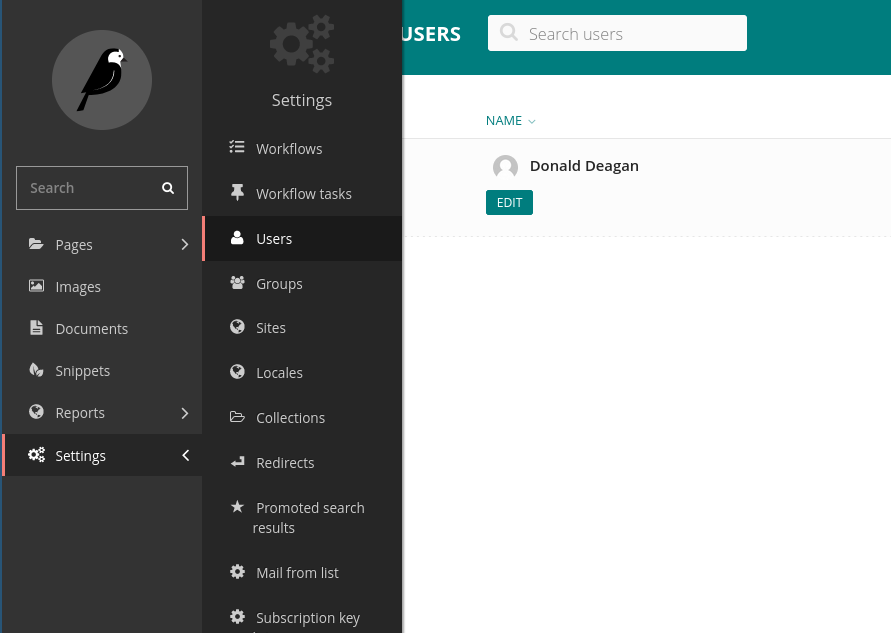
Edit users under the menu Settings / Users
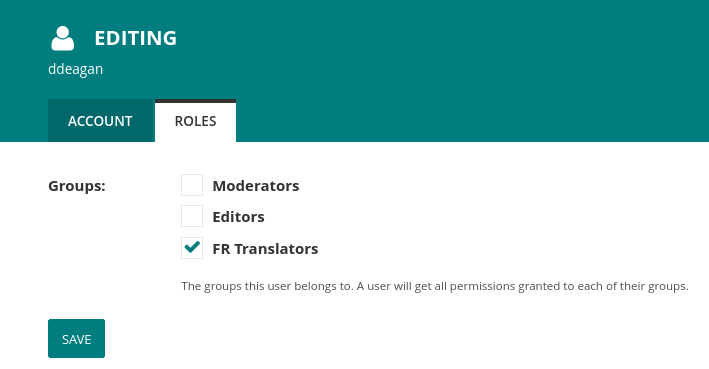
And add the new role tab of the user, check the box of the new group and click the save button.
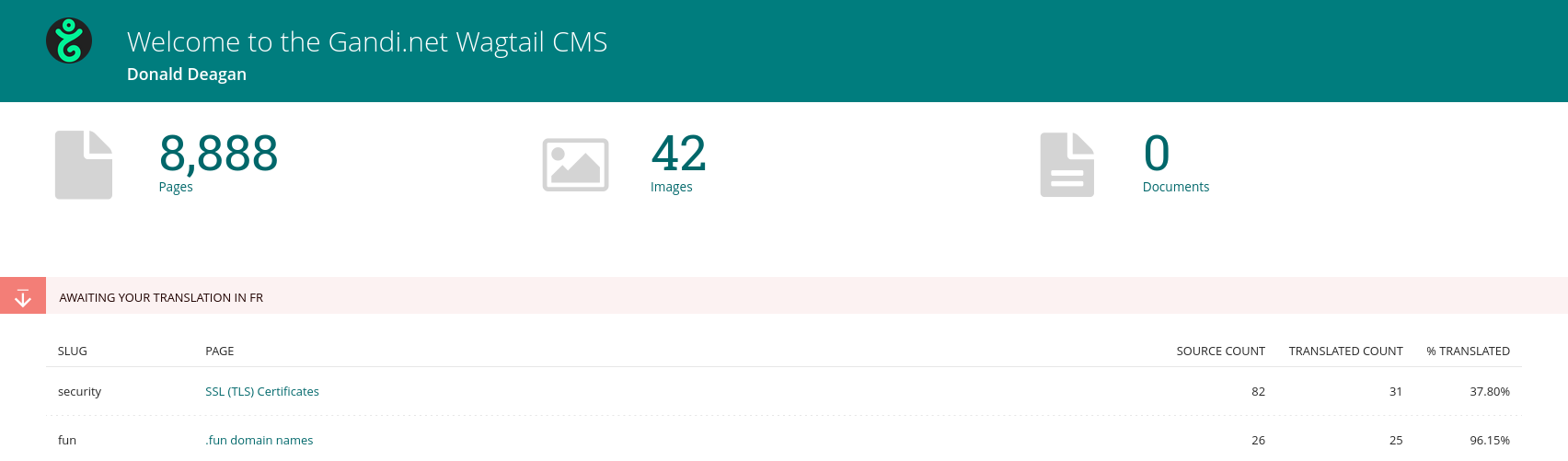
Now users in the group have the panel of translations in their home page:
if the checkbox Receive email on new translations is checked, every time the page in the source lang is published, an email will be sent to users to notify them of the incoming translations.
Important
This plugin automatically does the “synchronize translations”, so it is now useless to use the Sync translated pages